显示标签为“Launch Creader Professional 123”的博文。显示所有博文

2017年10月19日星期四

Original Launch CRP123 Launch CReader Professional CRP123 Global Version Update Online

Launch CReader Professional 123

Language: English, French, Spanish
Attention:  There is password letter on the pacakge, you can register it online, and use this passowrd to download the software online.
Launch CReader Professional 123 main functions do not only include OBD / EOBD standard protocol diagnosis, but also cover professional diagnostic software for multiple models which can perform comprehensive diagnosis on four main ECU’s (ENG\ABS\SRS\AT) of vehicle.

Launch Creader 123 Feature:
OBD full diagnostic functions
Multiple models (covers ten main stream models in Asia, America, etc.)
Four basic systems(ENG-TCM-ABS-SRS)
Basic diagnostic functions, including reading DTCs, clearing DTCs and reading data streams
Rubber buttons/3.5″ 320*480 lattice high-definition color LCD screen/ Large-capacity memory of 1G TF Card
Supports DLC location hints/ DTC help/ Data stream display in waveform/ Historical data record and playback
Supports multiple languages/ Buzzer alarm/ Clock and calendar/ Fast upgrading

Launch Creader 123 Car Maker:
Audi, Australia Ford, Benz, BMW, Brilliance, Chevrolet, Chevy, Chrysler, Citroen, Dacia, Dadi, Daewoo, Daihatsu, Demo, Fiat, Ford, GM, Holden, Honda, Hyundai, Isuzu, Jaguar, Kia, Lancia, LandRover, Mahindra, Maruti, Mazda, Mitsubish, Nissan, Opel, Peugeot, Renault, Romeo, Rover, Saab, Seat, Skoda, Smart, Subaru, Suzuki, Tata, Toyota, Volvo, VW, Yamaha.

LAUNCH Creader CRP123 Premium Specification:
Screen:3.5”, 320*480 TFT LCD true color display
Input voltage:9-18V
Connection:standard 16 PIN OBD diagnostic interface
Working temperature:0-50°C
Storage ambient temperature:-20 to 70°C

Tools Advice for Mercedes Benz E-Class diagnosis on airbags ABS engine transmission

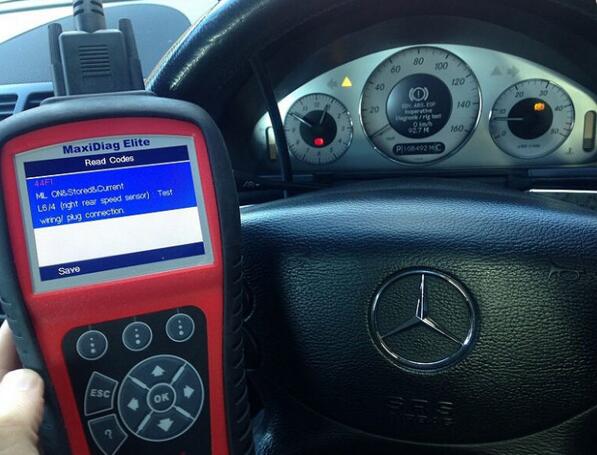
I try my best to test as many Mercedes Benz kits as possible on as many Mercedes E class, in order to make sure that the tools I advice actually do as they claim to do. I purposely triggered faults within the Mercedes E Class cars that I obtained then I triggered a fault/trouble code and dashboard warning light such as engine, ABS or airbags etc. The contents below were collected when reading and clearing fault codes on Mercedes E class vehicles and followed with some photos. These tools include Autel MD802, Autel MD702, Autel AL619, Launch Creader VIII CRP129 and Launch CReader CRP123, FYI, these tools are mainly from Obd2tool.com site and all are original with good quality.
Use Autel MD702 MD802 to do:
44f1 abs Mercedes Autel MD702 md802
9-1
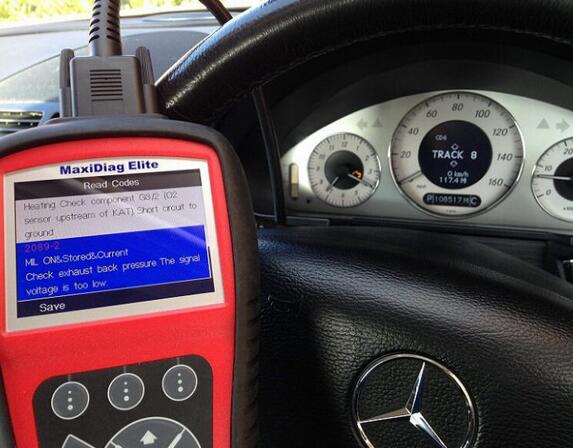
2089-2 Mercedes Autel MD702 MD802
9-2
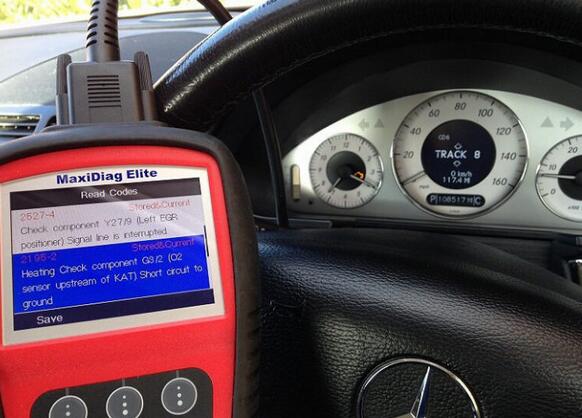
2195-2 Mercedes Autel MD702 MD802
9-3
2527-4 engine warning light Mercedes Autel MD702 MD802
http://cheapobd2scanner.com/wp-content/uploads/sites/4/2017/10/9-4.jpg
9002 srs airbag Mercedes Autel MD702 MD802
9-5
9007 Mercedes Autel MD702 MD802
9-6
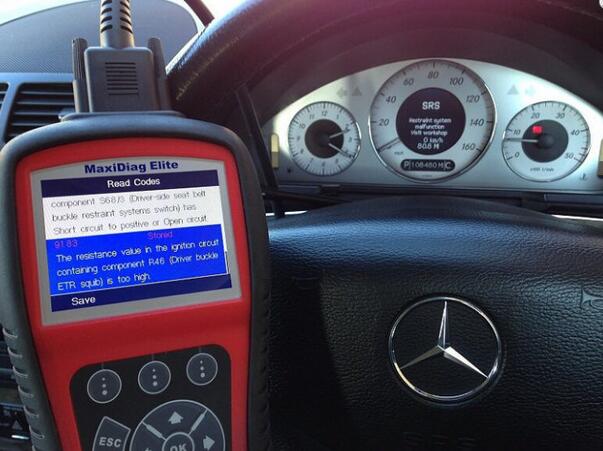
9183 srs airbag Mercedes Autel MD702 MD802
9-7
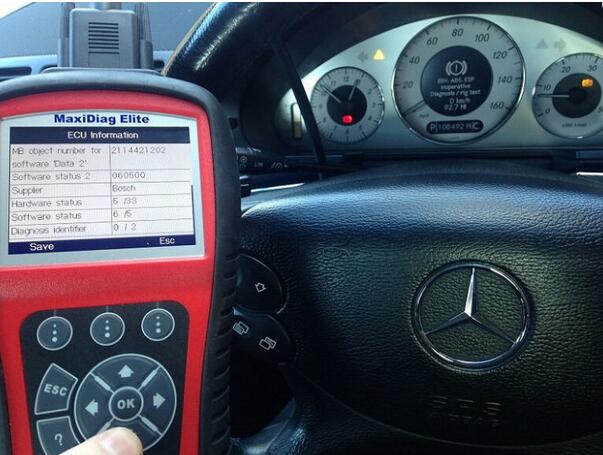
ABS info ECU Mercedes Autel MD702 MD802
9-8
ABS info for ECU Mercedes Autel MD702 MD802
9-9
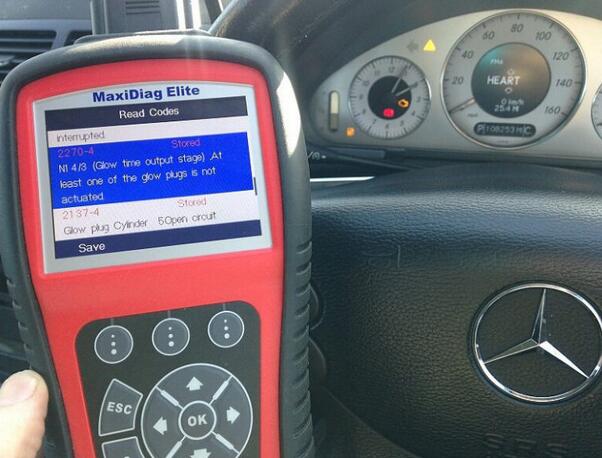
Mercedes 2270-4 2137-4 glow plug Autel MD702 MD802
9-10
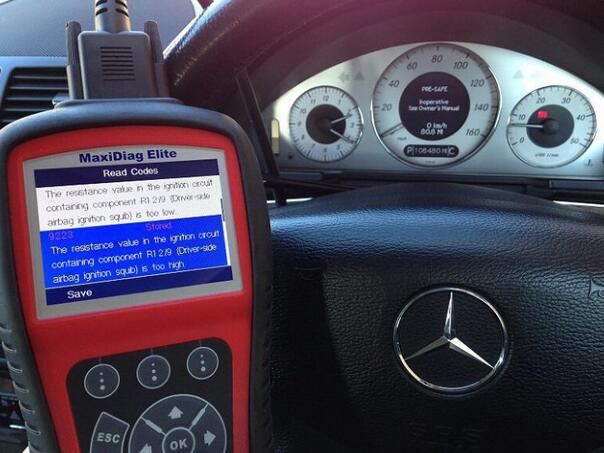
Mercedes 9223 srs fault code Autel MD702 MD802
9-11
Use Autel AL619 to do:
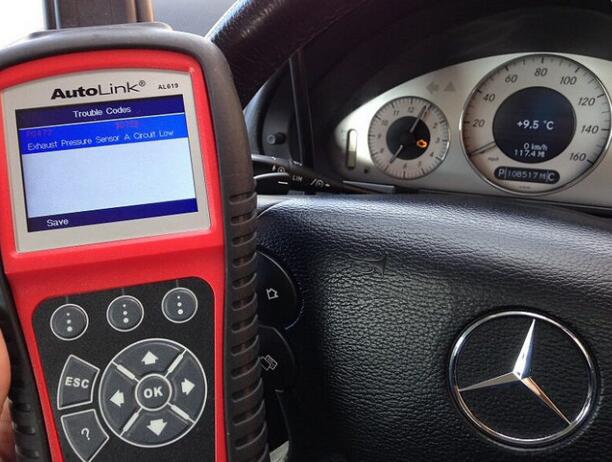
Engine warning light Mercedes Autel AL619
Mercedes Autel AL619 p0472
9-12
p0130 bank 1 sensor 1 02 sensor
9-13
Use Launch CReader CRP123 to do:
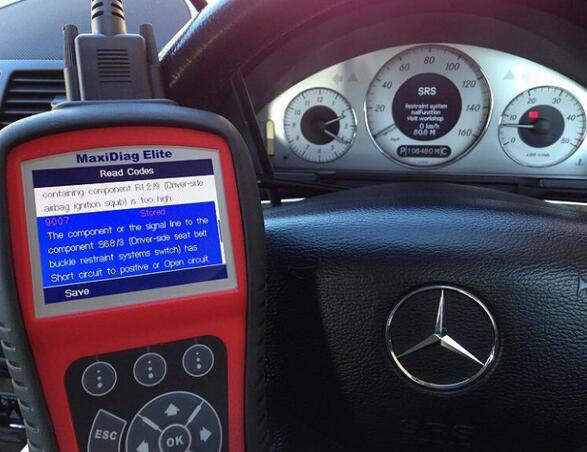
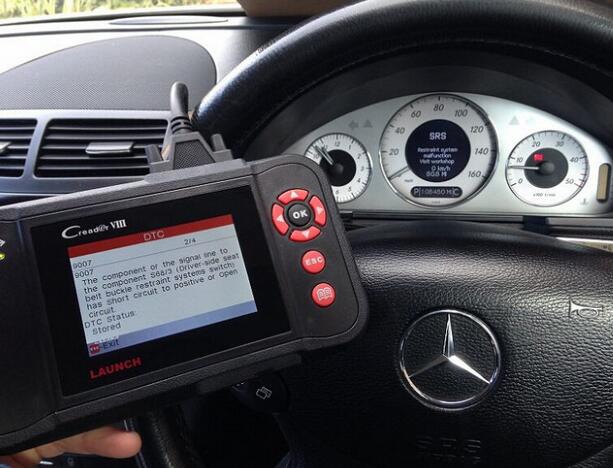
Mercedes Creader VIII 9007 SRS airbag warning light fault code
9-14
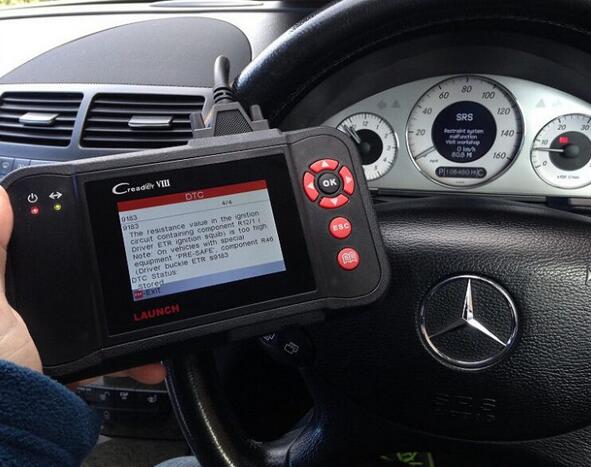
Mercedes 9183 SRS airbag warning light fault code
9-15
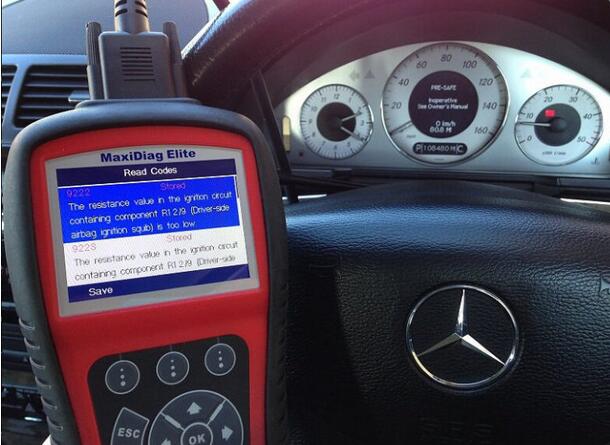
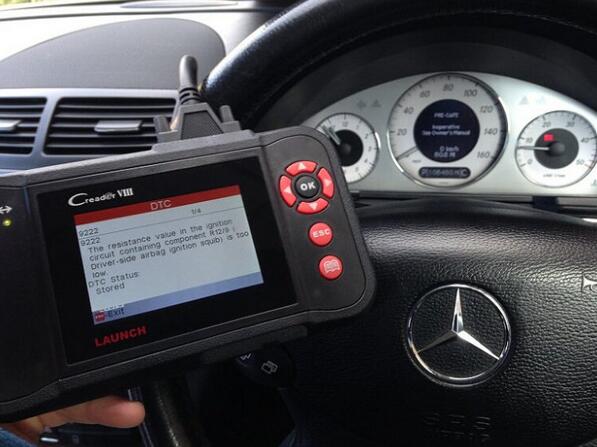
Mercedes 9222 SRS airbag warning light fault code
9-16
Mercedes 9223 SRS airbag fault code
Mercedes O2 Bank 1 sensor 1
9-17
Mercedes p0135 Bank 1 sensor 1
SRS airbag warning light
P2239 o2 sensor fault code sensor 1 Bank 1
Use LAUNCH Creader CRP123 Premium to do:
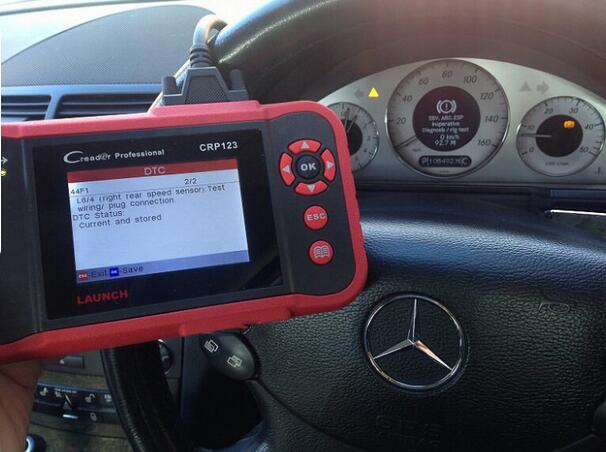
44F1 ABS warning light code
9-18
4472 exhaust pressure sensor
9-19
9007 SRS airbag fault code
9183 trouble code airbag reset tool fault warning light
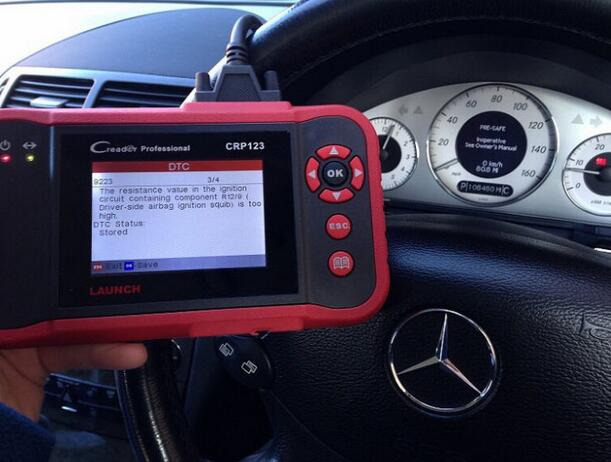
9223 airbag srs reset tool
9-20
ABS 9222 fault warning code
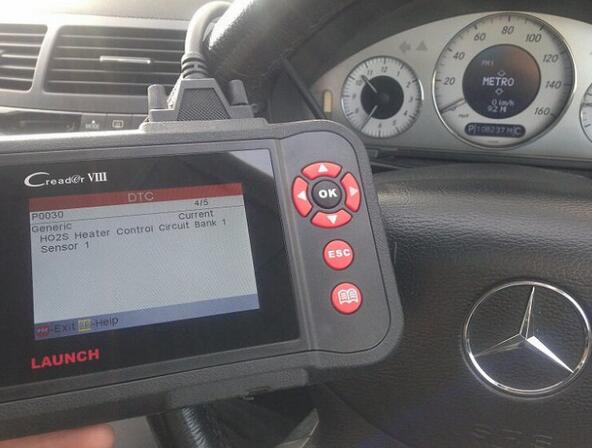
p0030 fault code O2 sensor 1 blank 1
9-21
p0403
Well Done !

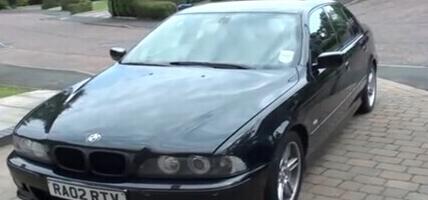
How to Fix BMW E39 ABS Problem Using Launch CRP123

CReader CRP123 Premium designed by Launch, is able to support OBD/EOBD standard protocol diagnosis, as well as cover professional diagnostic software for multiple models diagnosis, on 4 main ECU’s (Engine, ABS, SRS, AT) of vehicle.
Here I would like to share my own experience on how to fix ABS light on problem:
Equipment:
launch x431 scanner Launch Creator Professional 123;
Aimed Car Model:
BMW E39 5 Series;
CRP123-8-1
Problem:
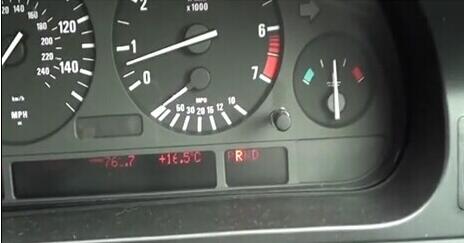
ABS light on;
CRP123-8-2
The following is all about the operation guide:
Video Guide:
Connect Launch CRP123 device with vehicle OBD socket;
Boot up device;
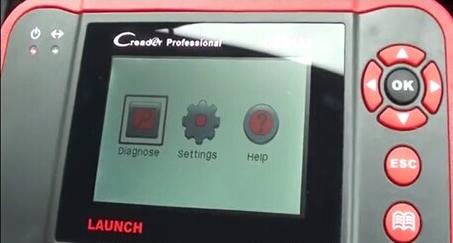
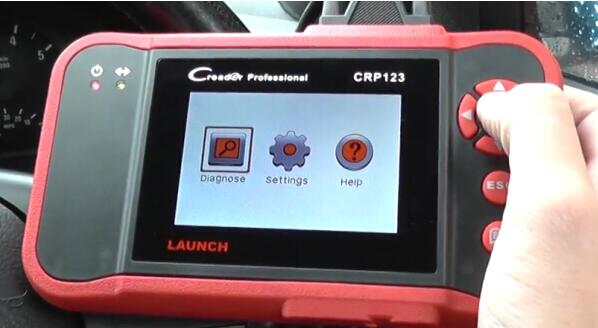
Select Diagnose;
CRP123-8-3
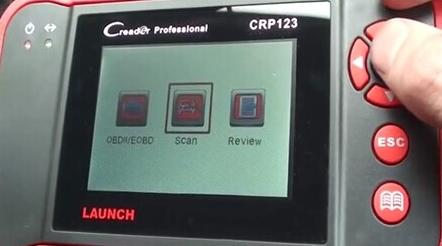
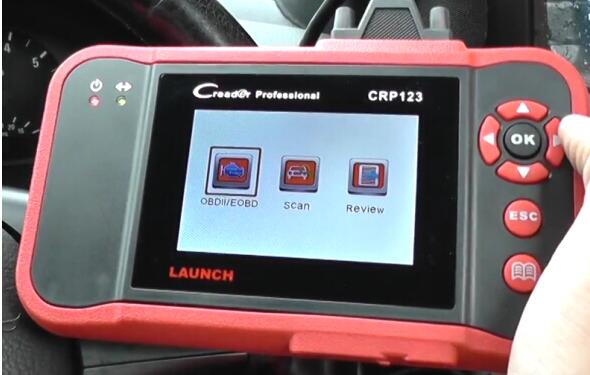
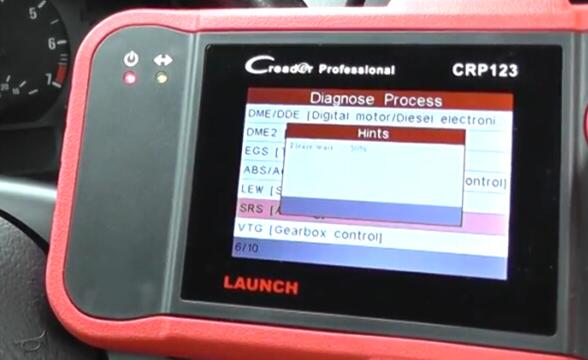
Select Scan;
CRP123-8-4
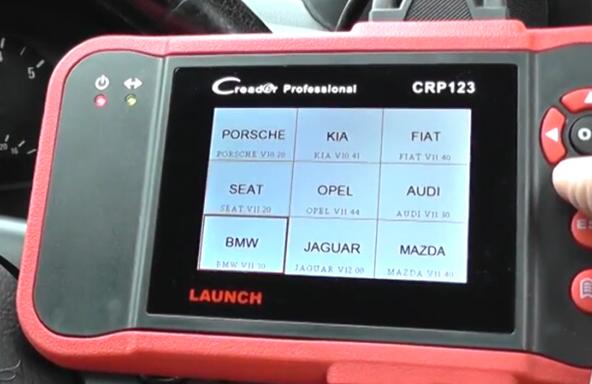
Select car model as BMW;
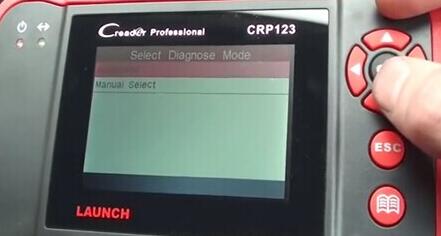
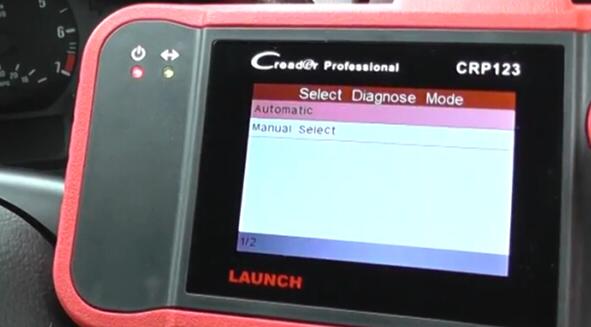
Click Manual Select;
CRP123-8-5
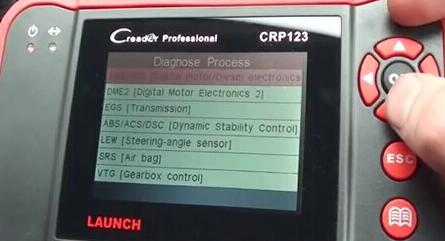
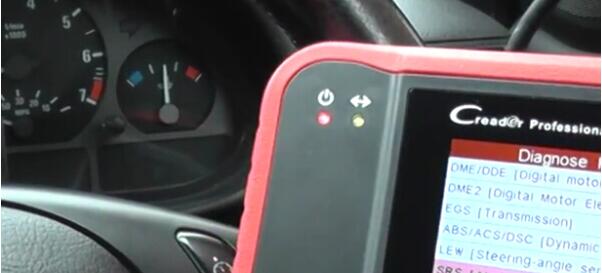
Click ABS/ACS/DSC [Dynamic Stability Control];
CRP123-8-6
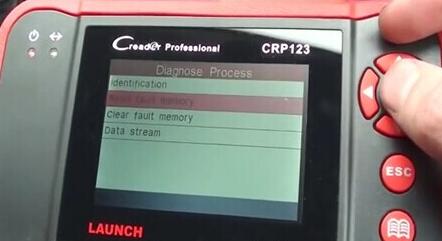
Click Read Fault Memory;
CRP123-8-7
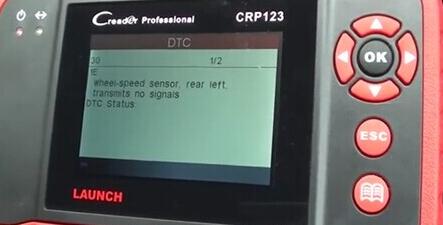
Result is shown below:
CRP123-8-8
Then back to select Clear Fault Memory (Note: some might be normal via erasing, while something serious may be well done via workshop repair) ;
After that, re-turn the ING on and find the ABS light is off.
CRP123-8-9
More information, please click the official website
http://www.obd2tool.com/goods-5084-Original+Launch+CRP123+Launch+CReader+Professional+CRP123+Global+Version+Update+Online.html

Launch Tech Creader Professional CRP123 Advice

I just love LAUNCH Creader CRP123 Premium in particular, and loved writing this review about it’s powerful features. During my research, I couldn’t find even a single dissatisfied customer with negative review of any kind.
 crp123-5-1
All those who bought it, eventually, fell in love with the Launch Tech crp123 scanner. So I suggest, don’t get overwhelmed with the wide range of devices available in the market. Just save on your pocket with Launch X431 Scan Tool CRP 123 Scanner.

Talking about the “LaunchTech” brand, I must say, they are a reputable brand with a great track record backed up by quality products and a long list of satisfied customers. In case, you have any trouble with your device or the device is not compatible with your vehicle, whatever you want to know or talk about you have an assistant ready to help you.

I must admit from the onset that none of the OBD2 vehicle diagnostics I have encountered had this much aesthetic taste. Looking at the Launch Tech 301050116 ‘CRP123 -Transmission and Engine Code Scanner one admits the amount of effort that must have gone into making it.

How to Turn Off BMW Airbag Light by Launch CRP123

Launch CRP 123 main functions do not only include OBD / EOBD standard protocol diagnosis, but also cover professional diagnostic software for multiple models which can perform comprehensive diagnosis on four main ECU’s (ENG\ABS\SRS\AT) of vehicle.

Launch CRP123 BMW Airbag Light Turn Off

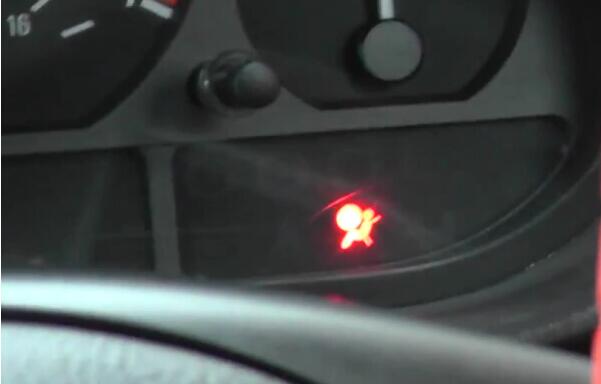
1.Check the light on the panel,the airbag light is on.
CRP123-2-1

2.Connect Launch CRP123,click diagnose.
CRP123-2-2

3.Click scan,then choose the car model.
CRP123-2-3 CRP123-2-4

4.Choose the diagnose model,automatic one or manual select.
CRP123-2-5

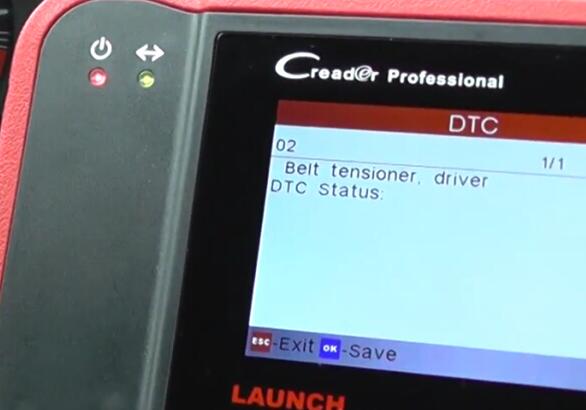
5.Click SRS,read DTC. Then restore the problem,and click clear fault memory.
CRP123-2-6 CRP123-2-7

6.Finish.The airbag light is turn off.
CRP123-2-8
http://cheapobd2.com/2017/10/16/how-to-turn-off-bmw-airbag-light-by-launch-crp123/