 1. Introduction
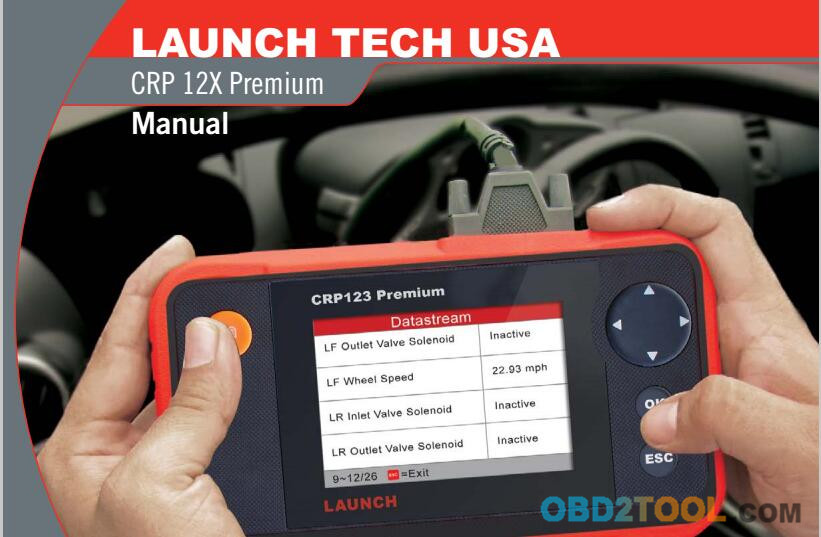
 The
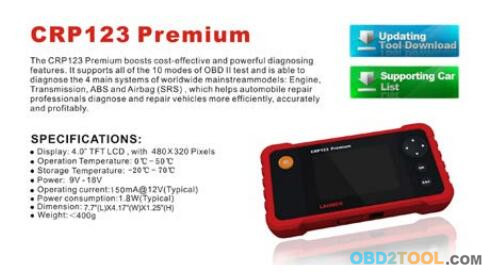
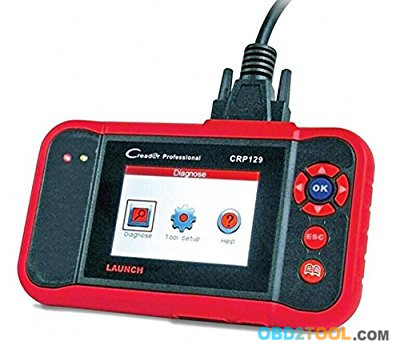
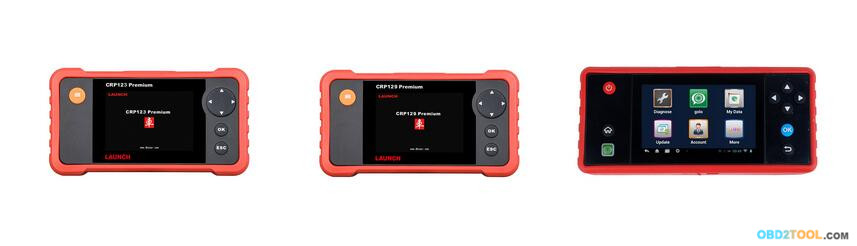
CRP123 Premium(CRP129
PREMIUM) Series are specially developed by LAUNCH, which supports all
10 modes of OBD II test for a complete diagnosis. Featuring the 3.5" TFT
color display, it enables users to read/dear DTCs, record, save and
playback data in live graphic display. The
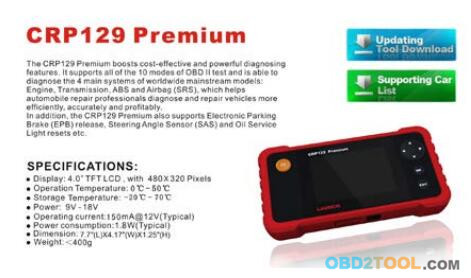
CRP129 Premium
(CRP123 PREMIUM) Series are also very easy to use. With built-in help
menus and code definitions, diagnosing and repairing that dreaded Check
Engine Light is now easier than ever!
Moreover, CRP12X Premium
Series also feature the following bi-directional “special tests": EVAP,
02 Sensor, I/M Readiness, MIL Status, VIN Info, and On-board monitors
testing.
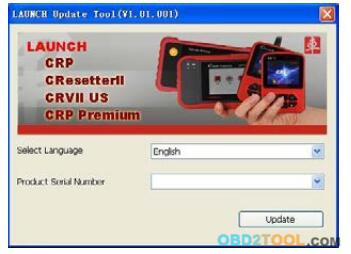
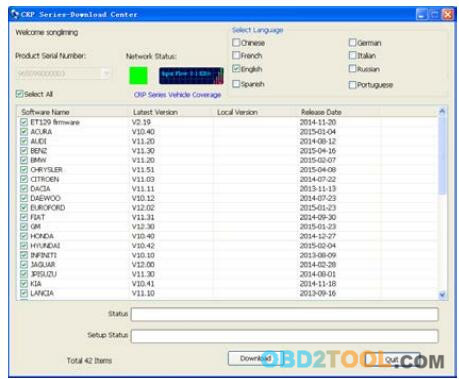
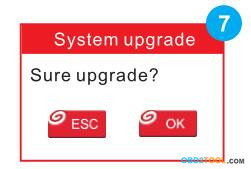
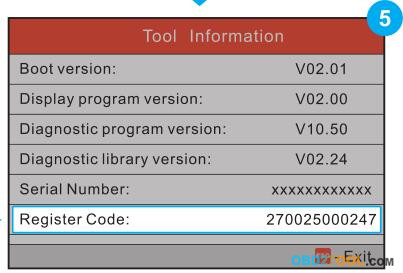
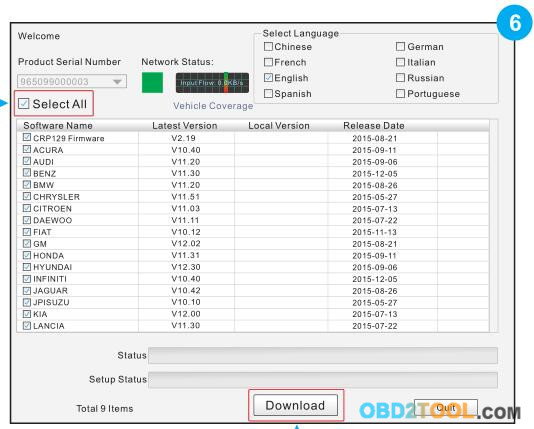
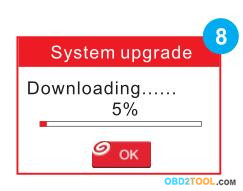
It can be connected to PC through the USB cable for upgrade to keep updated with the latest software version.
Note:
CRP129 Premium (CRP123 Premium) Series may automatically reset while being disturbed by strong static electricity. THIS IS A NORMAL REACTION.
2. General Information 2.1 On-Board Diagnostics (OBD) II
The
first generation of On-Board Diagnostics (OBD I) was developed by the
California Air Resources Board (ARB) and implemented in 1988 to monitor
some of the emission control components on vehicles. As technology
evolved and the desire to improve the On-Board Diagnostic system
increased, a new generation of On-Board Diagnostic system was developed.
This second generation of On-Board Diagnostic regulations is called
“OBD If.
The
OBD2 Scanner
is designed to monitor emission control systems and key engine
components by performing either continuous or periodic tests of specific
components and vehicle conditions. When a problem is detected, the OBD
II system turns on a warning lamp (MIL) on the vehicle instrument panel
to alert the driver typically by the phrase of “Check Engine" or
"Service Engine Soon". The system will also store important information
about the detected malfunction so that a technician can accurately find
and fix the problem. Here below follow three pieces of such valuable
information:
1)Whether the Malfunction Indicator Light (MIL) is commanded ‘on’ or ‘off;
2)Which, if any, Diagnostic Trouble Codes (DTCs) are stored;
3)Readiness Monitor status.
2.2 Diagnostic Trouble Codes (DTCs)
OBD2 Code Reader are
codes that are stored by the on-board computer diagnostic system in
response to a problem found in the vehicle. These codes identify a
particular problem area and are intended to provide you with a guide as
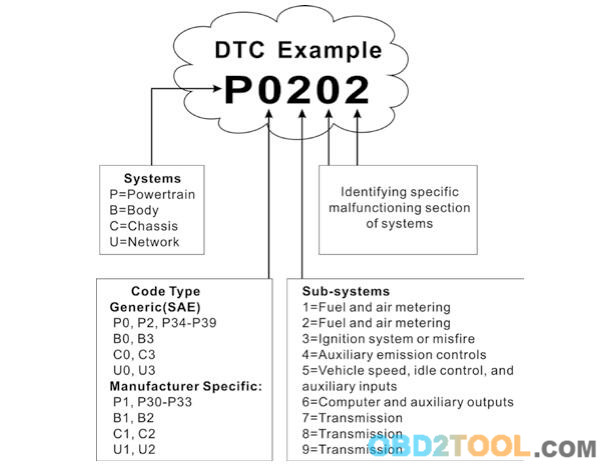
to where a fault might be occurring within a vehicle. OBD II Diagnostic
Trouble Codes consist of a five-digit alphanumeric code. The first
character, a letter, identifies which control system sets the code. The
second character, a number, 0-3; other three characters, a hex
character, 0-9 or A-F provide additional information on where the DTC
originated and the operating conditions that caused it to set. Here
below is an example to illustrate the structure of the digits:
 2.3 Location of the Data Link Connector (DLC)
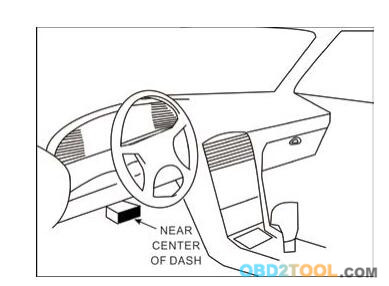
The DLC (Data Link Connector or Diagnostic Link Connector) is typically
a 16-pin connector where diagnostic code readers interface with the
vehicle’s on-board computer. The DLC is usually located 12 inches from
the center of the instrument panel (dash), under or around the driver’s
side for most vehicles. If Data Link Connector is not located under
dashboard, a label should be there telling location. For some Asian and
European vehicles, the DLC is located behind the ashtray and the ashtray
must be removed to access the connector. If the DLC cannot be
found,refer to the vehicle’s service manual for the location.
 2.4 OBD II Readiness Monitors
An important part of a vehicle’s OBD II system is the Readiness
Monitors, which are indicators used to find out if all of the emissions
components have been evaluated by the OBD II system. They are running
periodic tests on specific systems and components to ensure that they
are performing within allowable limits.
Currently, there are eleven
OBD II Readiness Monitors (or I/M Monitors) defined by the U.S.
Environmental Protection Agency (EPA). Not all monitors are supported in
every vehicles and the exact number of monitors in any vehicle depends
on the motor vehicle manufacturer’s emissions control strategy.
Continuous Monitors — Some of the vehicle components or systems are
continuously tested by the vehicle’s OBD II system, while others are
tested only under specific vehicle operating conditions. The
continuously monitored components listed below are always ready:
1. Misfire
2. Fuel System
3. Comprehensive Components (CCM)
Once the vehicle is running, the OBD II system is continuously checking
the above components, monitoring key engine sensors, watching for
engine misfire, and monitoring fuel demands.
Non-Continuous Monitors
— Unlike the continuous monitors, many emissions and engine system
components require the vehicle to be operated under specific conditions
before the monitor is ready. These monitors are termed non-continuous
monitors and are listed below:
1) EGR System
2) O2 Sensors
3) Catalyst
4) Evaporative System
5) O2 Sensor Heater
6) Secondary air Injection
7) Heated Catalyst
8) A/C system
2.5 OBD II Monitor Readiness Status
OBD II systems must indicate whether or not the vehicle’s PCM’s monitor
system has completed testing on each component. Components that have
been tested will be reported as “Ready”, or “Complete”, meaning they
have been tested by the OBD II system. The purpose of recording
readiness status is to allow inspectors to determine if the vehicle’s
OBD II system has tested all the components and/or systems.
The
Powertrain Control Module (PCM) sets a monitor to “Ready” or “Complete”
after an appropriate drive cycle has been performed. The drive cycle
that enables a monitor and sets readiness codes to “Ready” varies for
each individual monitor. Once a monitor is set as “Ready” or “Complete”,
it will remain in this state. A number of factors, including erasing of
Diagnostic Trouble Codes (DTCs) with a code reader or a disconnected
battery, can result in Readiness Monitors being set to “Not Ready”.
Since the three continuous monitors are constantly evaluating,
they
will be reported as “Ready” all of the time. If testing of a particular
supported non-continuous monitor has not been completed, the monitor
status will be reported as “Not Complete” or “Not Ready.”
In order
for the OBD monitor system to become ready, the vehicle should be driven
under a variety of normal operating conditions. These operating
conditions may include a mix of highway driving and stop and go, city
type driving, and at least one overnight-off period. For specific
information on getting your vehicle’s OBD monitor system ready, please
consult your vehicle owner’s manual.




 http://cheapobd2scanner.com/2017/12/01/the-different-between-launch-crp129-premium-and-launch-crp123-premium-obd2-code-reader/